.webp)
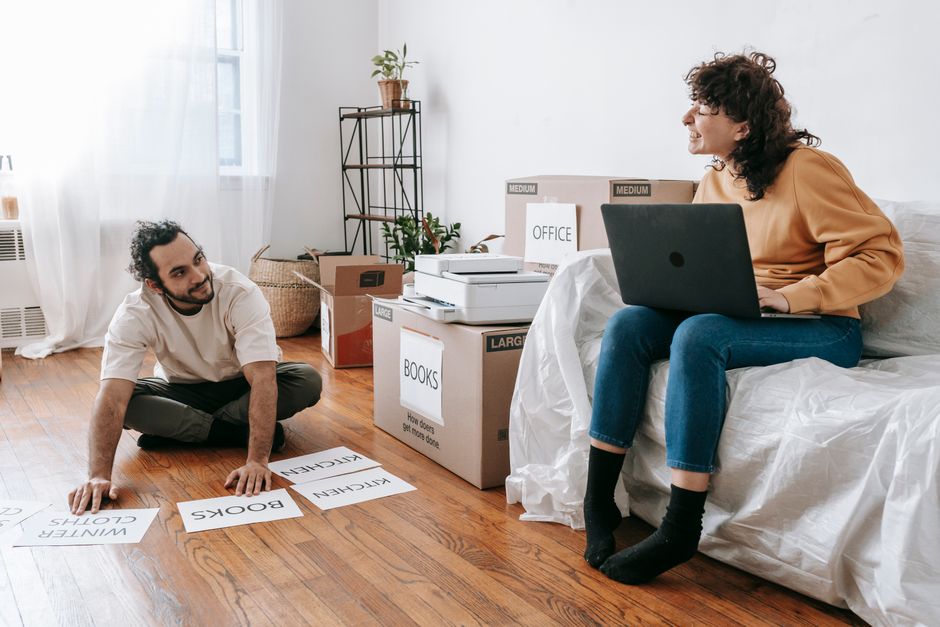
How to Move an Entire Home Office: A Step-by-Step Guide
Written by:
Superior Moving & Storage
Published:
June 17, 2026
Moving a home office? Learn how to pack electronics, protect equipment and set up your workspace faster with this step-by-step guide.
Knowing how to move a home office is more challenging than most people expect. Unlike a bedroom or living room, a home office is packed with fragile electronics, tangled cables, sensitive documents, and ergonomic furniture that needs to be reassembled just right in your new space. Get it wrong and you could be losing productive work days — or replacing expensive equipment. At Superior Moving & Storage, we've helped professionals, remote workers, and small-business owners relocate their workspaces smoothly, and the same lessons apply whether you work from a dedicated room or a corner desk.
This guide walks you through every stage of a home office move — from inventorying your tech to reconnecting your setup on day one in your new home — so you can get back to work as quickly as possible.
Start with a Full Inventory Before You Pack a Single Item
The biggest mistake home office movers make is going straight to boxes without taking stock of what they have. A thorough inventory protects you, speeds up unpacking, and ensures nothing gets lost or damaged in transit.
Document Your Electronics and Serial Numbers
Walk through your office and photograph every piece of equipment — computers, monitors, printers, external hard drives, routers, scanners, and accessories. Record serial numbers and model numbers in a simple spreadsheet or notes app. This documentation is invaluable if something is damaged during the move and you need to file an insurance claim or replace a component.
Note the Condition of Everything
Before anything is wrapped or boxed, note any pre-existing scratches, dents, or screen blemishes on your equipment. Again, photographs work best. This protects you and gives your moving team a clear baseline.
Identify High-Value or Fragile Items
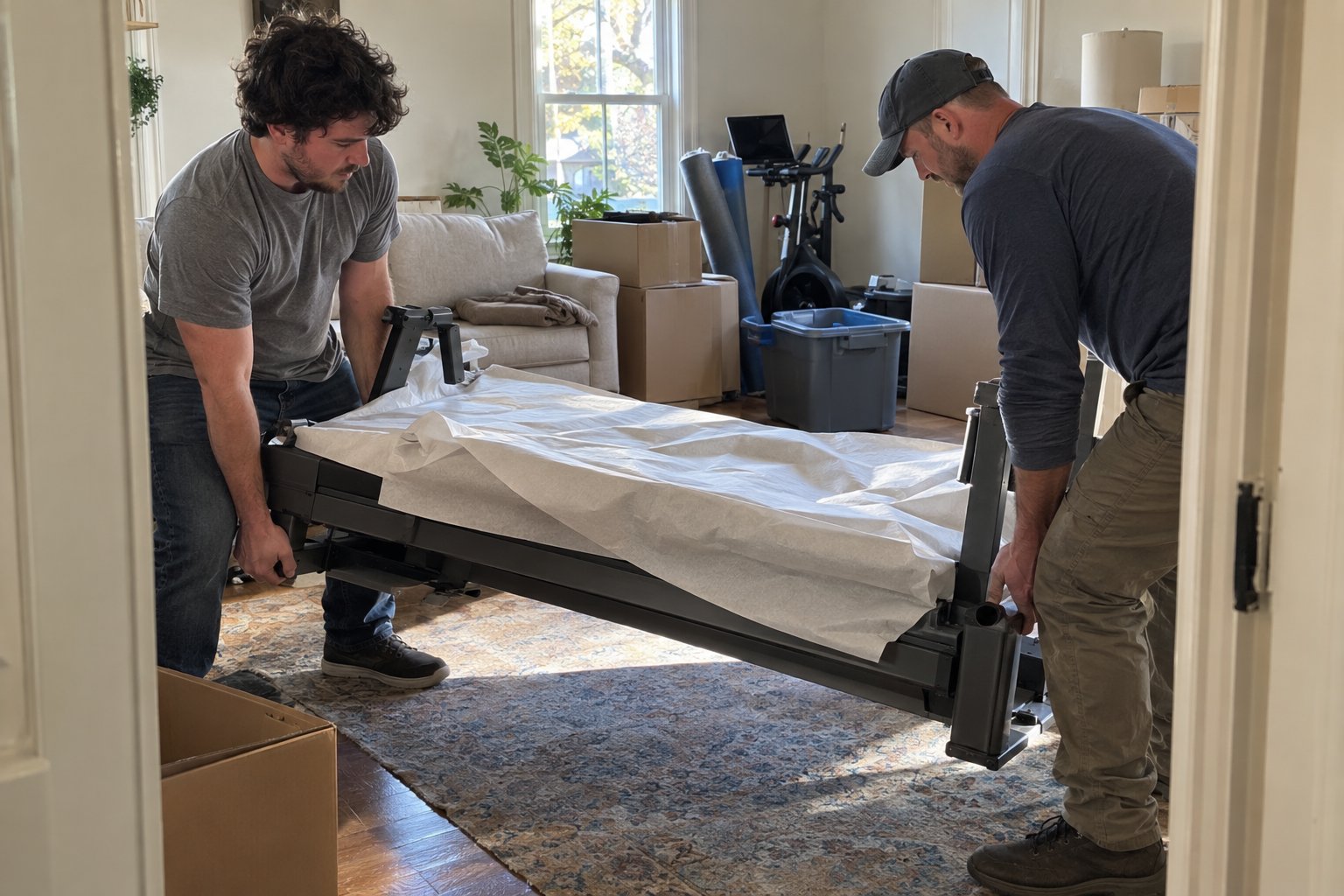
Some items in a home office — such as large-format monitors, server equipment, or custom-built PCs — may require special handling. Flagging these early allows you (or your movers) to plan for appropriate packing materials and loading techniques. If you have unusually heavy or oddly shaped items like a standing desk or a large drafting table, consider exploring specialty moving services designed for exactly these situations.
How to Pack Home Office Electronics the Right Way
Electronics are the most valuable and most vulnerable items in any home office. Packing them correctly is not optional — it's essential.
Use Original Packaging Whenever Possible
Original boxes are engineered to protect specific products and are almost always the safest option. If you've kept the original packaging for your monitor, laptop, or printer, now is the time to use it. If you haven't, invest in appropriately sized boxes with generous padding.
Backup Your Data First
Before disconnecting any computer or external drive, back up your critical data to cloud storage or a separate drive that you'll keep with you — not in the moving truck. Hard drives can be damaged by vibration and impact. This step takes thirty minutes and can save you months of lost work.
Label Every Cable Before Disconnecting
This single habit will save you hours of frustration on the other end. Use masking tape and a marker to label every cable with what it connects — "monitor power," "USB hub," "router WAN," etc. Then photograph your full cable setup from multiple angles. Coil cables neatly and secure them with twist ties or velcro straps before placing them in clearly labeled zip-lock bags.
Pack Monitors and Screens with Extra Care
Screens are among the most fragile items in any office move. Wrap each monitor in two or three layers of bubble wrap, paying extra attention to the corners. Place it vertically in the box — never flat — and fill all remaining space with packing paper or foam. Label the box "FRAGILE — SCREEN — THIS SIDE UP" on at least three sides.
Never Pack Laptops in the Moving Truck
Transport your laptop, tablet, and any irreplaceable portable drives in your personal carry bag. These items should never go on the truck. The same applies to any sensitive documents or hard-copy records you cannot easily replace.
Packing Office Furniture, Supplies, and Files
Once your electronics are safely packed, turn your attention to furniture, filing cabinets, and the everyday supplies that make your office functional.
Disassemble Furniture in Advance
Desks, shelving units, and monitor stands should be broken down before moving day wherever possible. Keep all hardware (screws, bolts, allen keys) in labeled zip-lock bags taped to the furniture piece they belong to. If your desk has a complex cable management system, photograph it before dismantling it.
Purge Before You Pack
A home office move is a natural opportunity to declutter. Expired supplies, outdated tech accessories, old instruction manuals, and redundant cables all take up space and add weight. Shred documents you no longer need, recycle outdated equipment responsibly, and donate furniture you won't be using in your new setup. If you have items that simply need to go, our junk removal services can handle the disposal quickly so you're not moving things you don't need.
Organize Filing Cabinets and Documents
Filing cabinets can often be moved with papers inside — but only if the cabinet is two drawers or fewer and each drawer won't be too heavy. For larger cabinets, remove and box files by category, keeping sensitive documents with you rather than on the truck. Use hanging file boxes or magazine boxes designed for documents to keep papers upright and protected.
Pack Supplies Strategically
Small office supplies — staplers, tape dispensers, scissors, pens — pack well in small to medium boxes. Use packing paper to fill gaps and prevent shifting. Label each box with its contents and where it belongs in your new space. If your new office configuration is different from your current one, this is a good time to think through where everything will live so unpacking feels intentional rather than chaotic.
Setting Up Your New Home Office Efficiently
Arriving at your new home with a well-labeled, well-packed office is only half the battle. The setup phase determines how quickly you can return to full productivity.
Prioritize the Essentials First
On moving day, identify the boxes and items that go into your home office and ensure they're loaded last on the truck so they come off first. Your goal is to have your core workstation — computer, monitor, internet connection — up and running as quickly as possible. Everything else can wait.
Set Up Your Internet Connection Before Furniture
One of the most overlooked setup steps is internet connectivity. Before you arrange furniture or unpack supplies, locate your router, connect it to the modem or wall outlet, and verify that you have a working connection. Nothing derails a remote-work return like discovering a connectivity issue at the end of an exhausting moving day.
Reassemble and Reconnect Methodically
Work from your cable photos and labels to reconnect your workstation systematically. Start with power, then display connections, then peripherals. Test each device as you go rather than connecting everything at once — this makes troubleshooting far simpler if something doesn't work as expected.
Take Time to Optimize the New Layout
Your new home office is a chance to improve your setup, not just replicate the old one. Think about natural light, monitor height, ergonomic positioning, and cable routing before anchoring furniture in place. A few extra minutes of planning now will make your workspace more comfortable for years to come.
When to Hire Professional Help for a Home Office Move
Many home office moves are well within the scope of a DIY effort — but there are situations where professional movers make a meaningful difference. If your office includes heavy or specialty furniture, fragile high-value tech equipment, or a large volume of items, the risk of damage or injury during a self-managed move increases significantly.
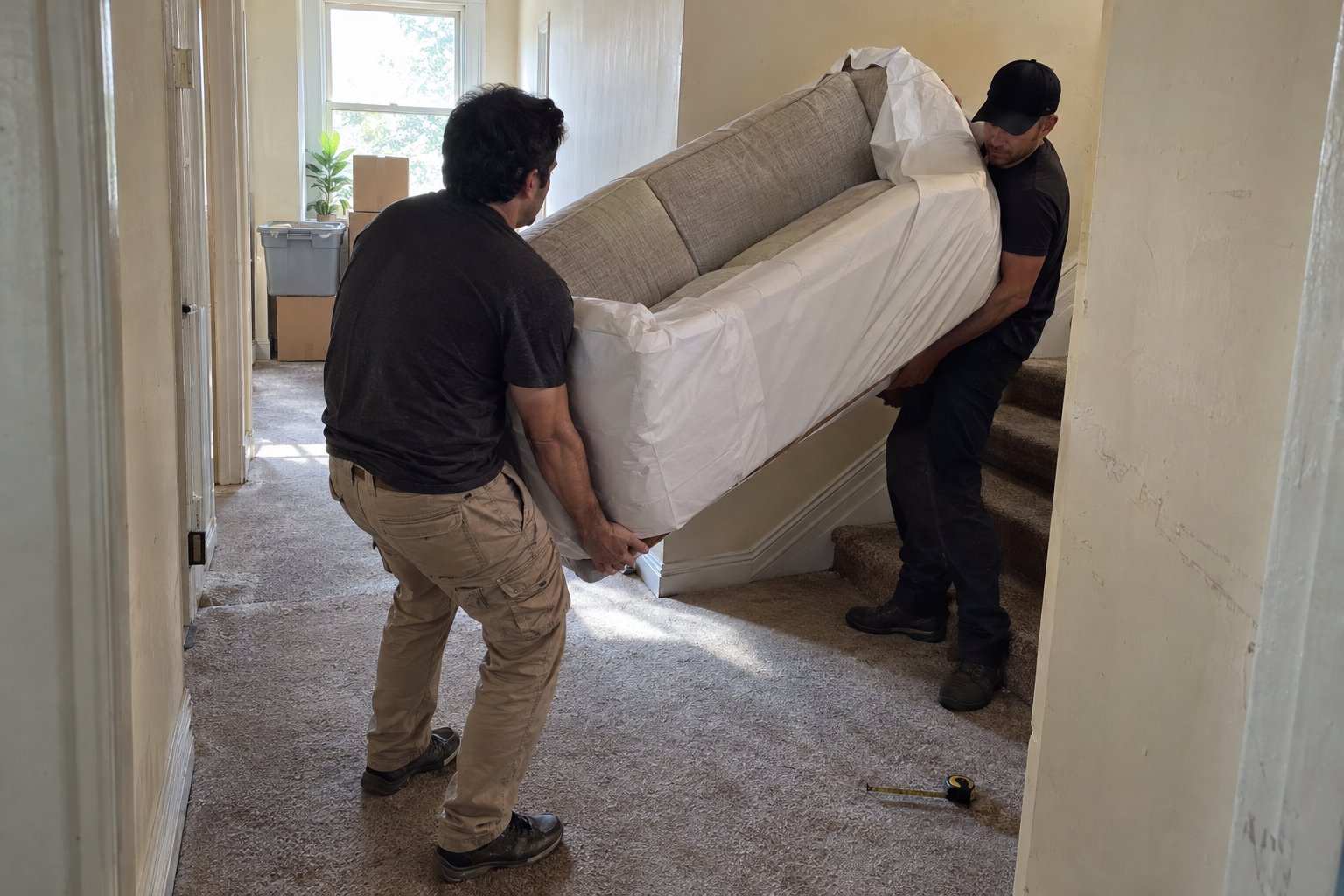
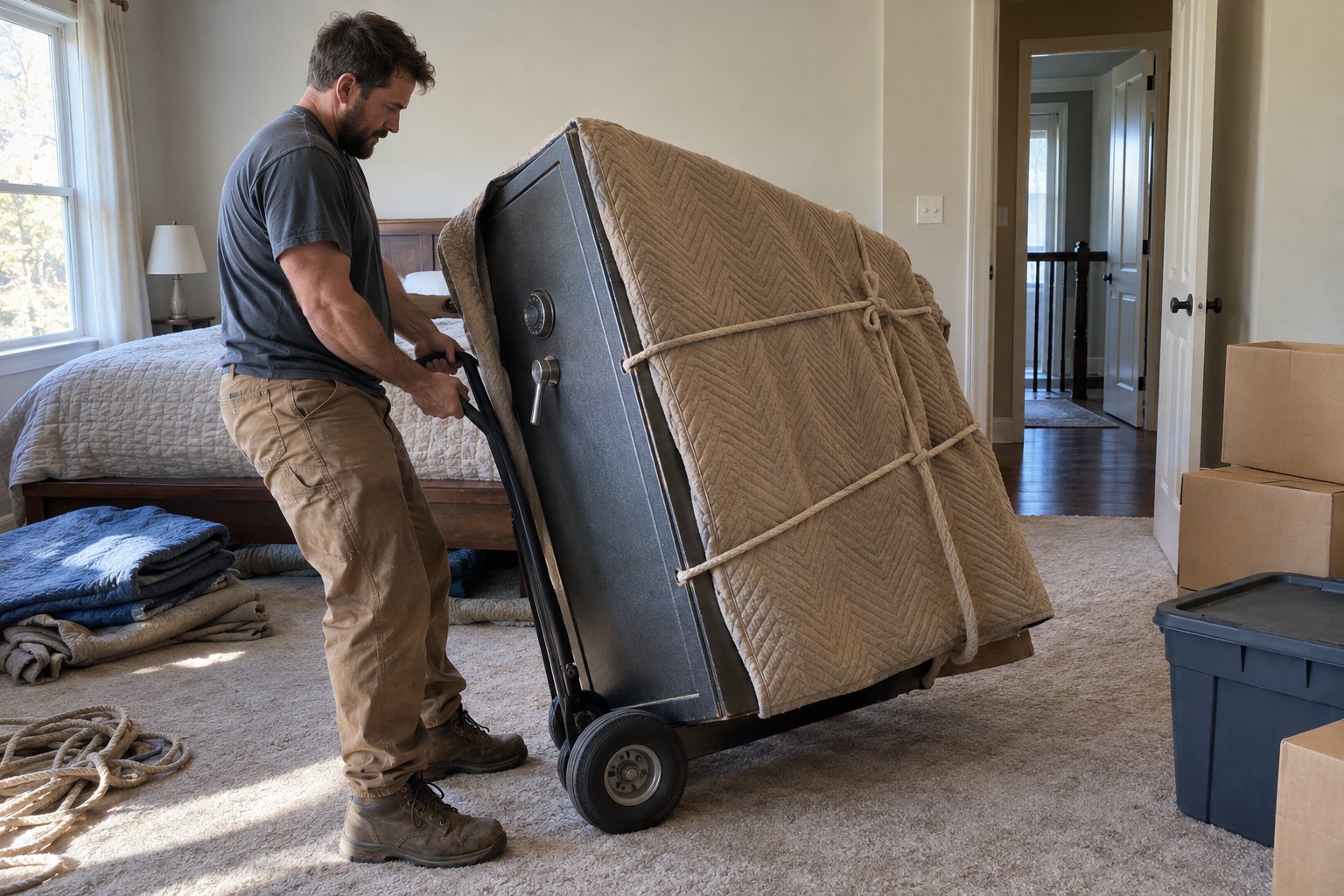
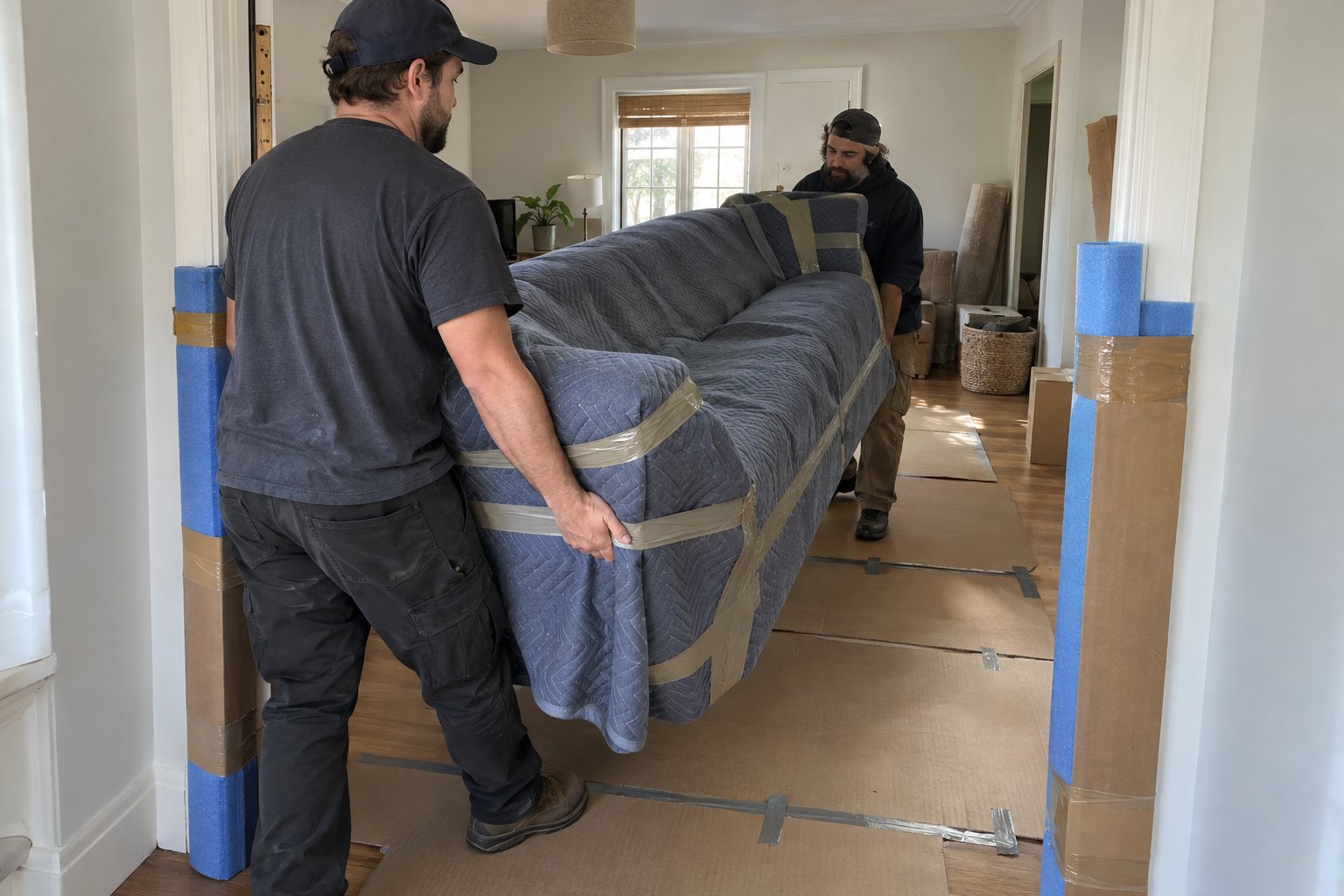
Professional movers bring the right equipment — dollies, furniture pads, custom crating options — and the experience to load and transport sensitive items safely. If you'd prefer to hand off the heavy lifting entirely, our professional packing services include everything from wrapping electronics to boxing files, so your office is move-ready without the stress.
For moves that involve significant distances, our long distance moving team can ensure your equipment arrives safely whether you're relocating across the state or across the country.
If you need hands-on muscle without full moving services, labor only moving services are a cost-effective option for loading, unloading, or rearranging your office furniture at either end of the move.
Whatever your situation, the key is planning ahead. The more deliberate you are before moving day, the faster your home office will be back online — and the sooner you can close your browser tabs and get back to work.
Moving a Business?

Have Questions About Your Move?
Find clear answers to common moving questions. Learn more about our services, process, and what to expect on moving day.
Our team is here to help. Contact us for personalized assistance with your moving needs.
Ready for a Stress-Free Move?
Let our family help your family with a move handled the right way from start to finish. Request your free quote today and see why Philadelphia families have trusted us since 1981.